Your canvasFree
Vision board canvas: An endless table to spread it all out on.
Add notes, text, rectangles and circles, or drop in your own pictures and the AI reads what’s in them. When it’s done, press ⌘. and every menu disappears, so it’s just your board.

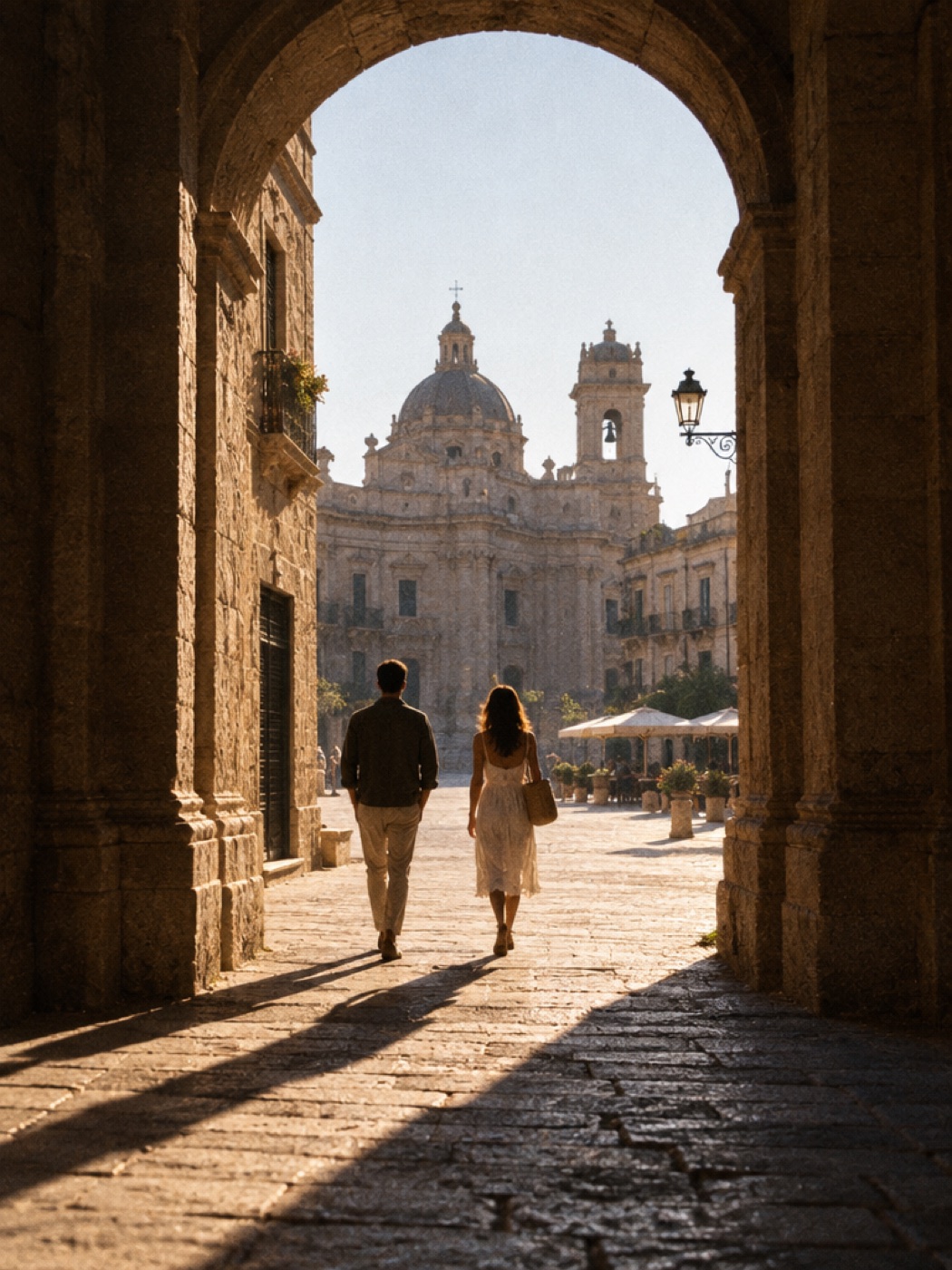


How it works
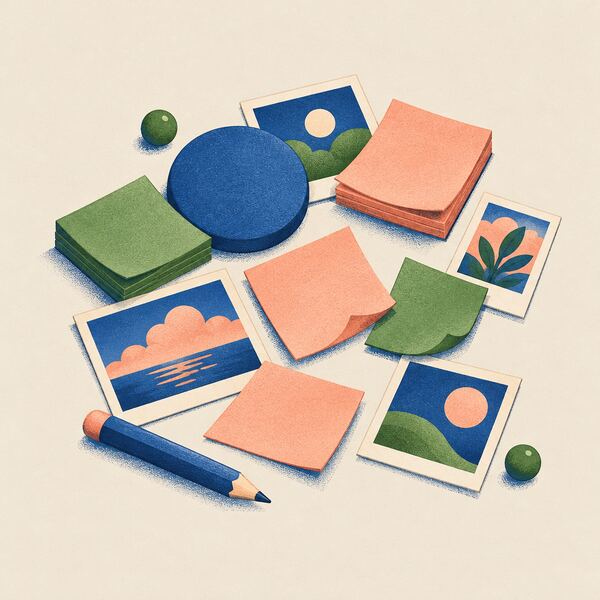
Add anything
Notes, text, rectangles, circles and your own pictures. Move them wherever you like.
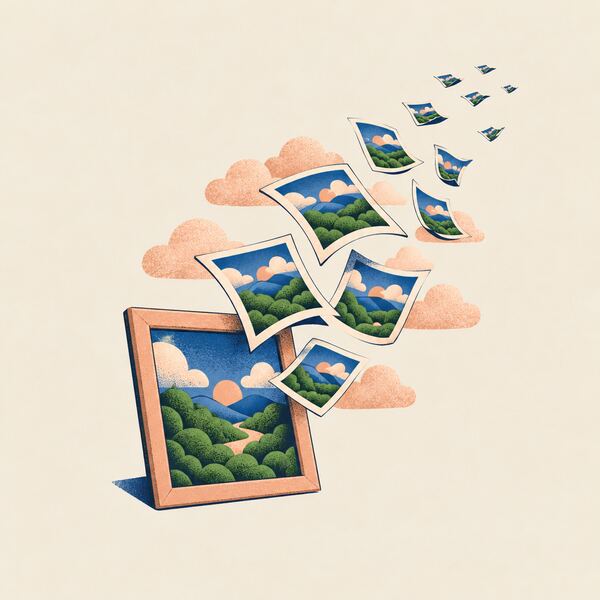
Ask for more
Select a photo and hit More like this, or type in Describe your vision and hit Add to my board for more free photos.

Clear it up
Tidy up when it gets busy. Press ⌘. to hide every menu and just look at your board.
Small things that help.
- Your own pictures
- Drop in a photo from your phone or computer. The AI reads what’s in it, so More like this works on your pictures too.
- Tidy up
- One tap lines everything up when the canvas gets crowded.
- Take it with you
- Download your canvas full-size, free. Print it, frame it, or keep it on your desktop.
Questions about your canvas
Can I add my own pictures to my vision board?
Yes. Drop in a photo from your phone or computer. The AI reads what’s in it, so More like this works on your pictures too.
What can I put on the canvas?
Notes, text, rectangles, circles and your own pictures. Move them anywhere you like.
How do I hide the menus?
Press ⌘ and the period key. Every menu disappears, so it’s just your board.
Can I download or print my board?
Yes. Download your canvas full-size for free, then print it, frame it or keep it on your desktop.