PresentFree
Present your vision board: Press P and watch it like a short film.
Your board plays full-screen, with music. An opening title, then each life area with its photos drifting slowly and its affirmation in big type. A few quiet minutes with the year you want.
Start free
It’s free to start. Nothing to install.
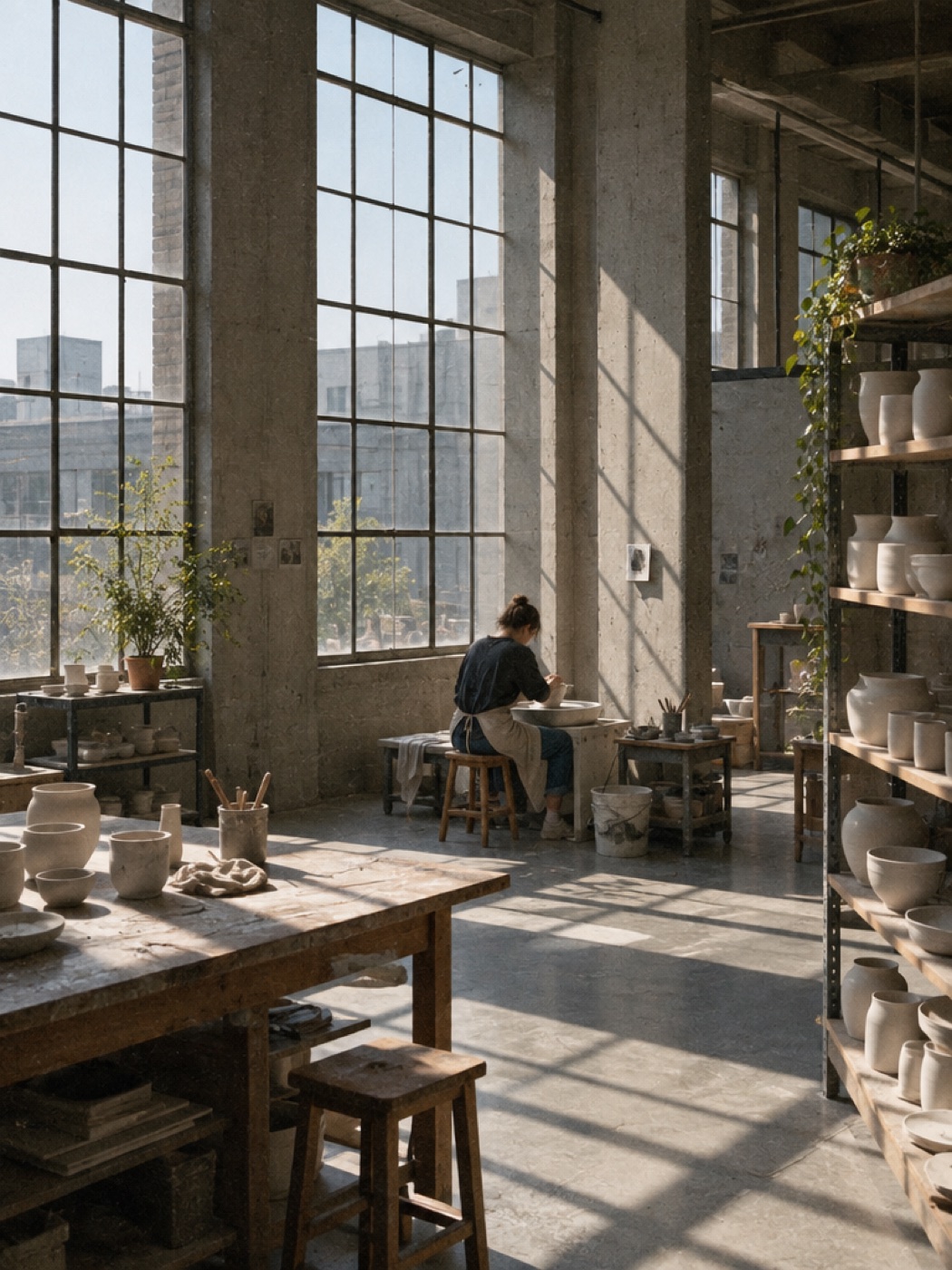
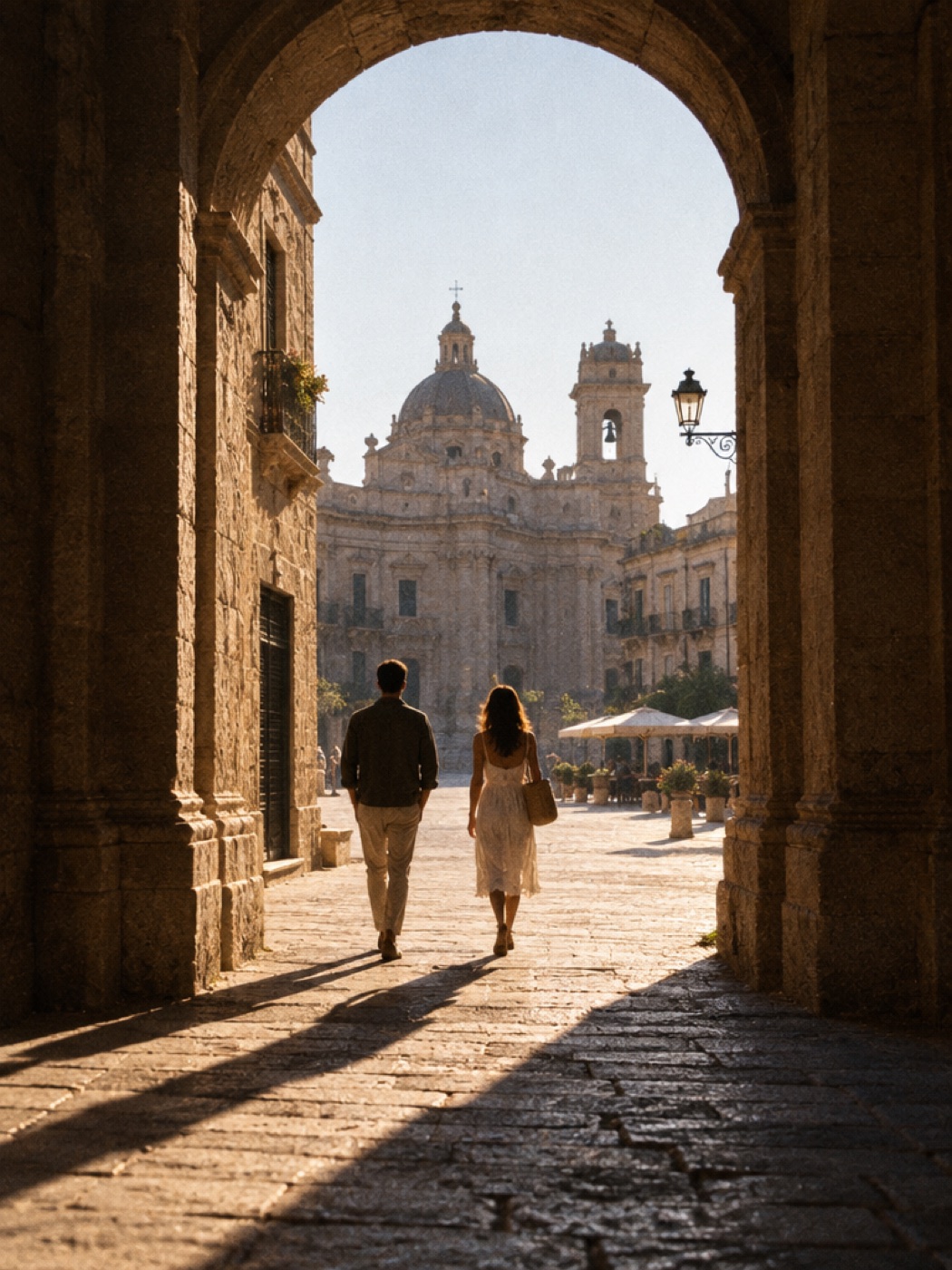
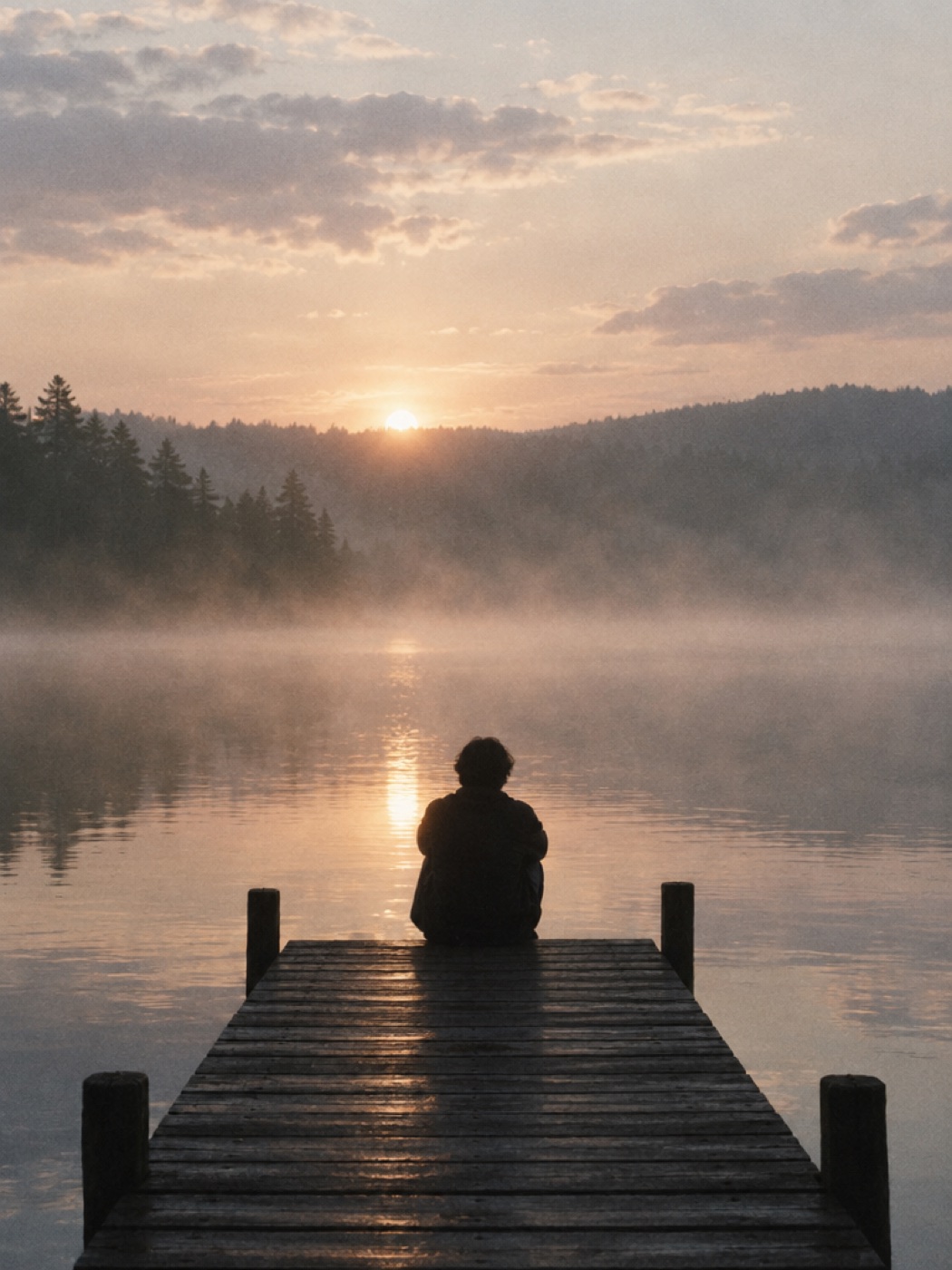
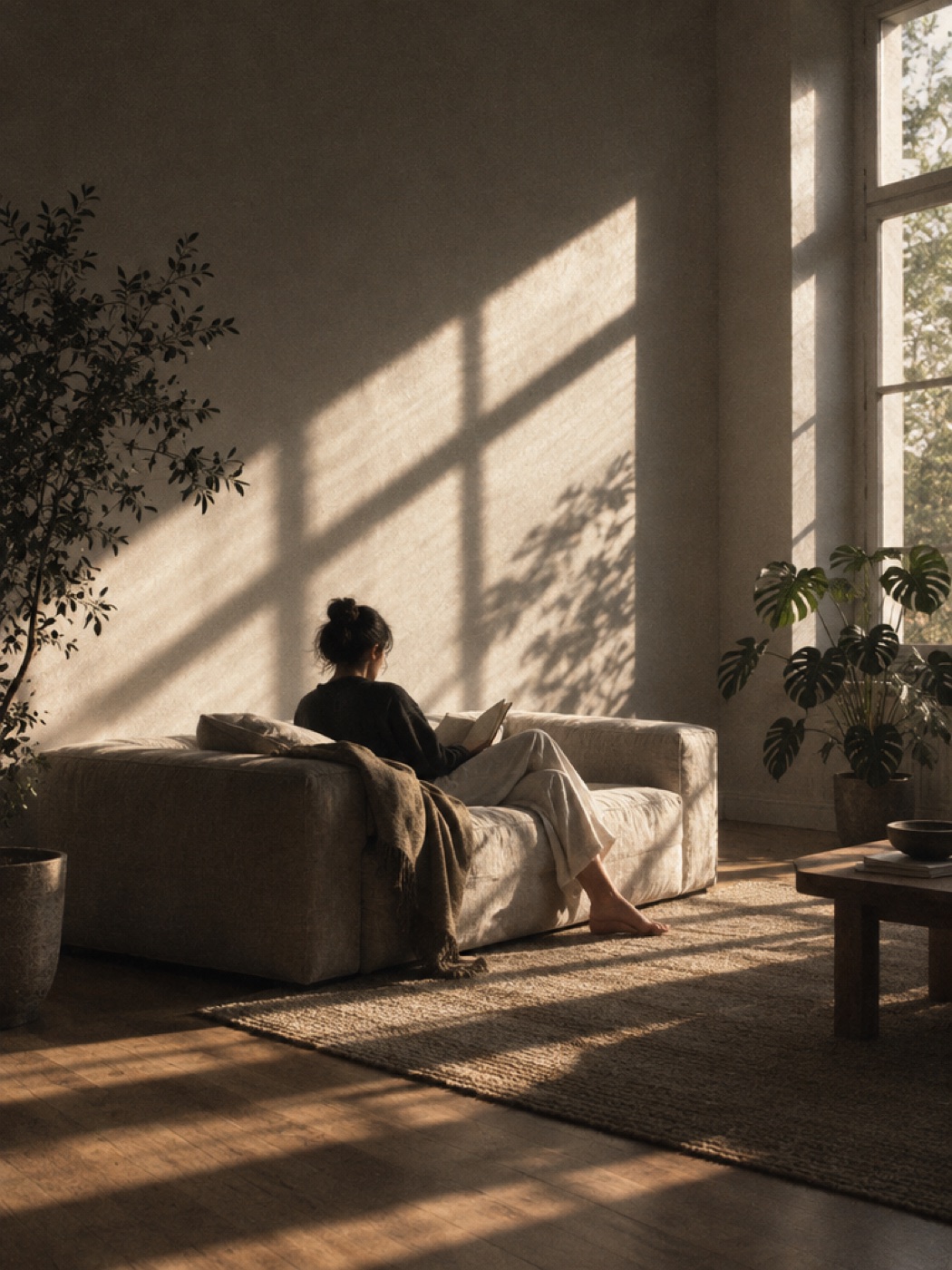
How it works
Press P
From your canvas, press P or hit Present. Your board fills the screen.
Sit back
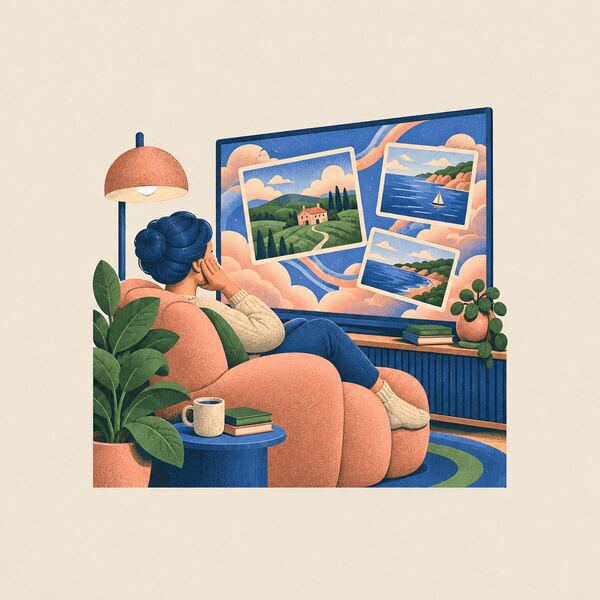
Each life area plays in turn: its photos drifting slowly, its affirmation in big type.
The finale
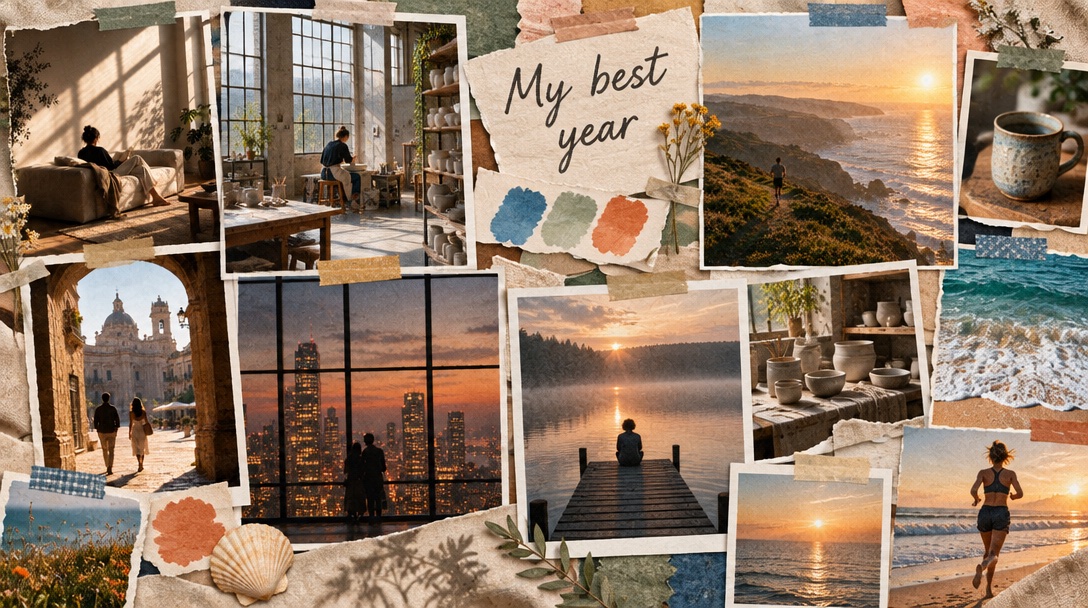
If you’ve made an AI vision board, it comes last. Press Esc whenever you’re done.
Made to be watched, not scrolled.
- What plays
- An opening title, every life area with its photos and affirmation, then your AI board as the finale.
- When to use it
- First thing in the morning, before a big week, or any time you want to remember what you’re working toward.
- What it costs
- Nothing. Present is free, and it plays any board you’ve made.
Questions about presenting
How do I present my vision board?
Press P on your canvas, or hit Present. Your board fills the screen and plays with music.
What plays when I present?
An opening title, then each life area with its photos and affirmation. If you’ve made an AI vision board, it plays last as the finale.
How do I stop it?
Press Esc whenever you’re done.
Is Present free?
Yes. Present is free, and it plays any board you’ve made.
Give your year a premiere.
Start free
Start with one sentence. No design skills needed.