Visualize it, the vision board planner: Write one sentence. Watch it plan your board.
Pick what matters and say it in your own words. An AI agent turns it into life areas, fills each one with real photos and writes an affirmation in the present tense, as if it’s already true.
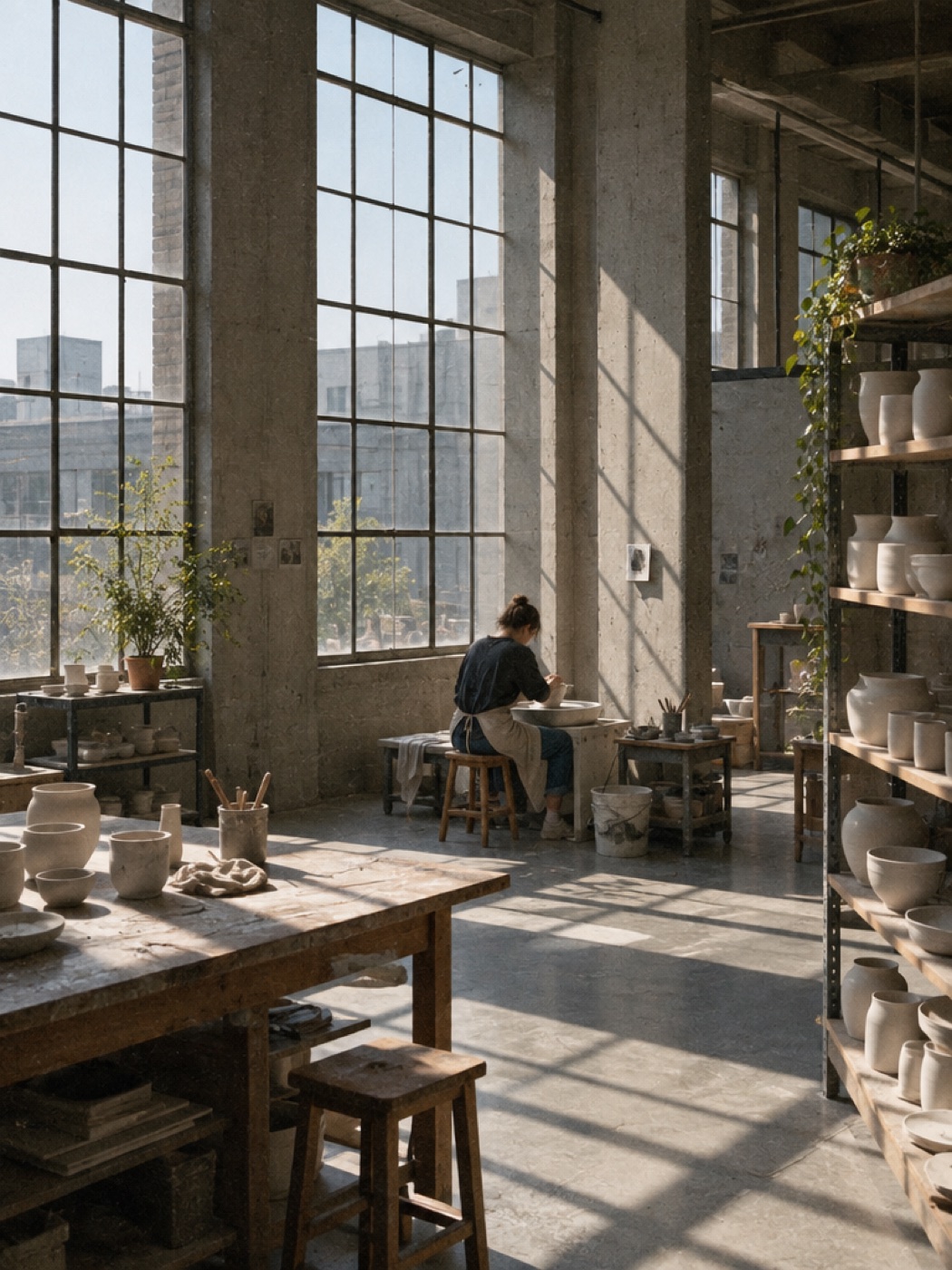
Home: photos + “My home is my peaceful sanctuary.”
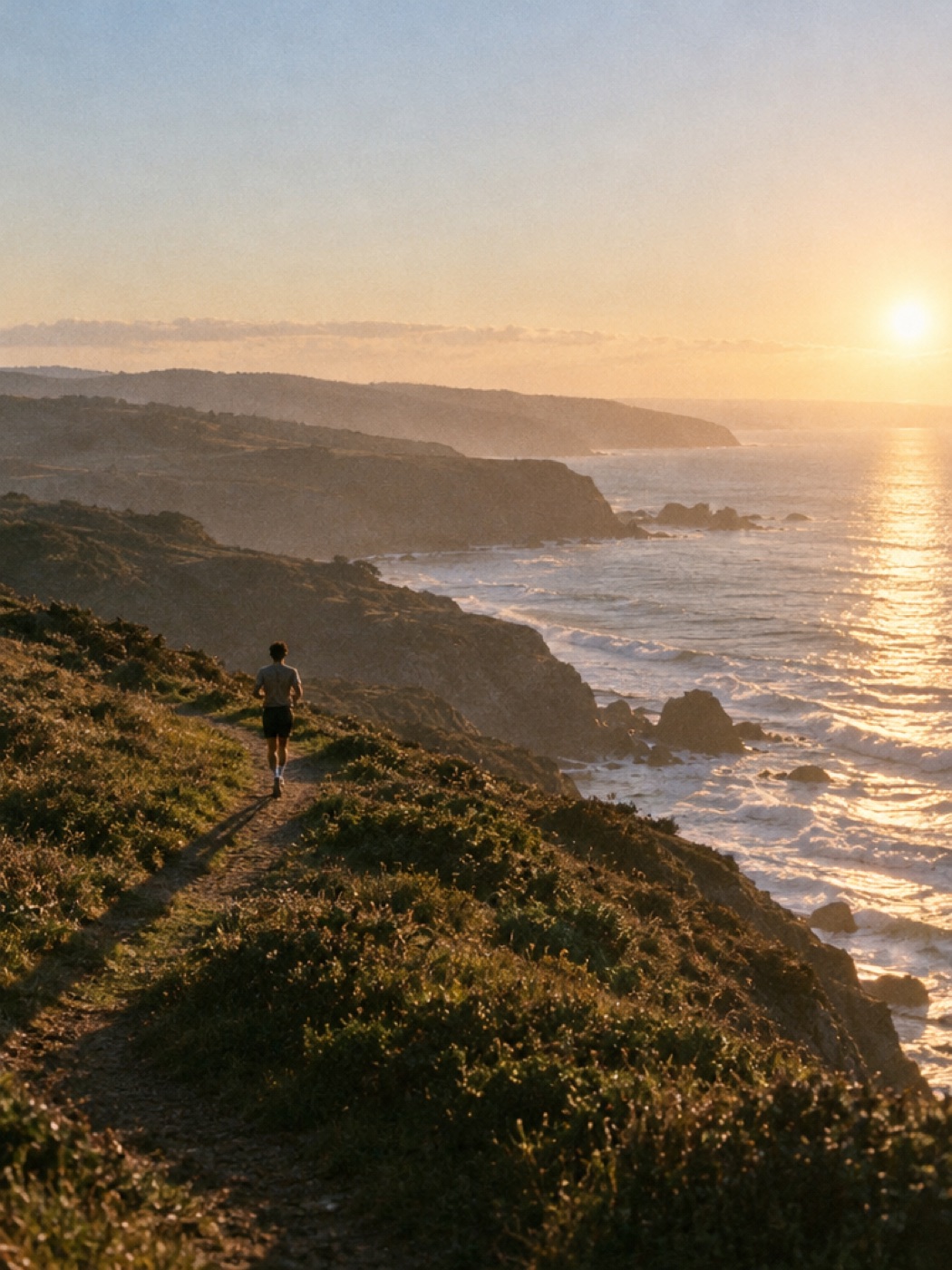
Health: photos + “I feel strong and rested.”
Pulled your colors
Now tap ♥ on the photos you love. They become the inspiration for your AI vision board.
Pl. 01 Career I do work I’m proud of.
Pl. 02 Home My home is my peaceful sanctuary.
Pl. 03 Health I feel strong and rested.
How it works
Step 1
Pick what matters
Choose the parts of life you’re dreaming about: Career, Home, Health, Love, Travel, Money, Creativity or Calm.
Step 2
Say it in one sentence
A place, a feeling, a morning. Write it the way you’d say it out loud, then hit ✦ Visualize it.
Step 3
Watch it fill in
Each area gets real photos from Pexels, Unsplash and Openverse, an affirmation, and a palette pulled from your photos.
Start with one sentence.
There’s nothing to set up and no blank page. Three areas and one honest line are enough. Don’t love an affirmation it wrote? Edit it, or ask for a New one.
What are you dreaming about?
CareerHomeHealthLoveTravelMoneyCreativityCalm
In your words
My best year yet. A calm home, work I’m proud of, and feeling strong.
Back✦ Visualize it
Fig. 1 The first screen. Three areas picked, one sentence written.
Questions about Visualize it
Do I need to write a lot to make a vision board?
No. Pick the parts of life you care about and write one sentence. Three areas and one honest line are enough to start.
Where do the photos come from?
Real photos from Pexels, Unsplash and Openverse. Each life area gets its own set.
Can I change an affirmation it wrote?
Yes. Edit any affirmation until it sounds like you, or ask for a new one.
Is Visualize it free?
Yes. Planning your areas, finding the photos and writing the affirmations are all free.