Love photos for your vision board: Heart the photos that feel like you.
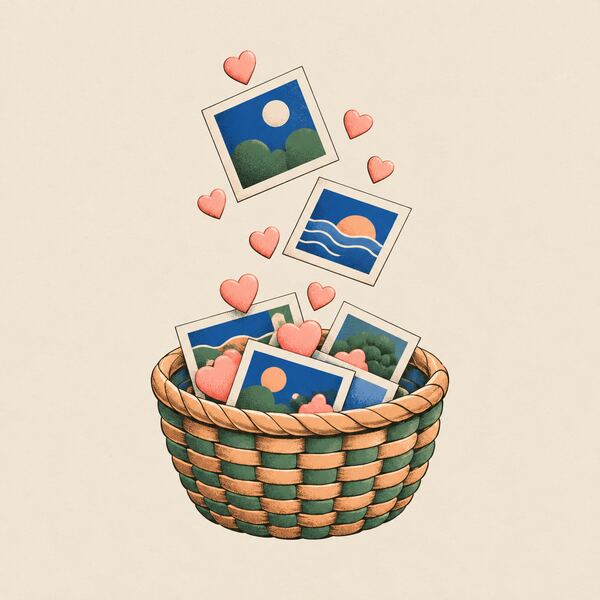
Tap ♥ on any photo and it joins “♥ Your inspiration,” a panel on the right of your canvas. It’s your shortlist: the pictures that made you think “yes, that.”
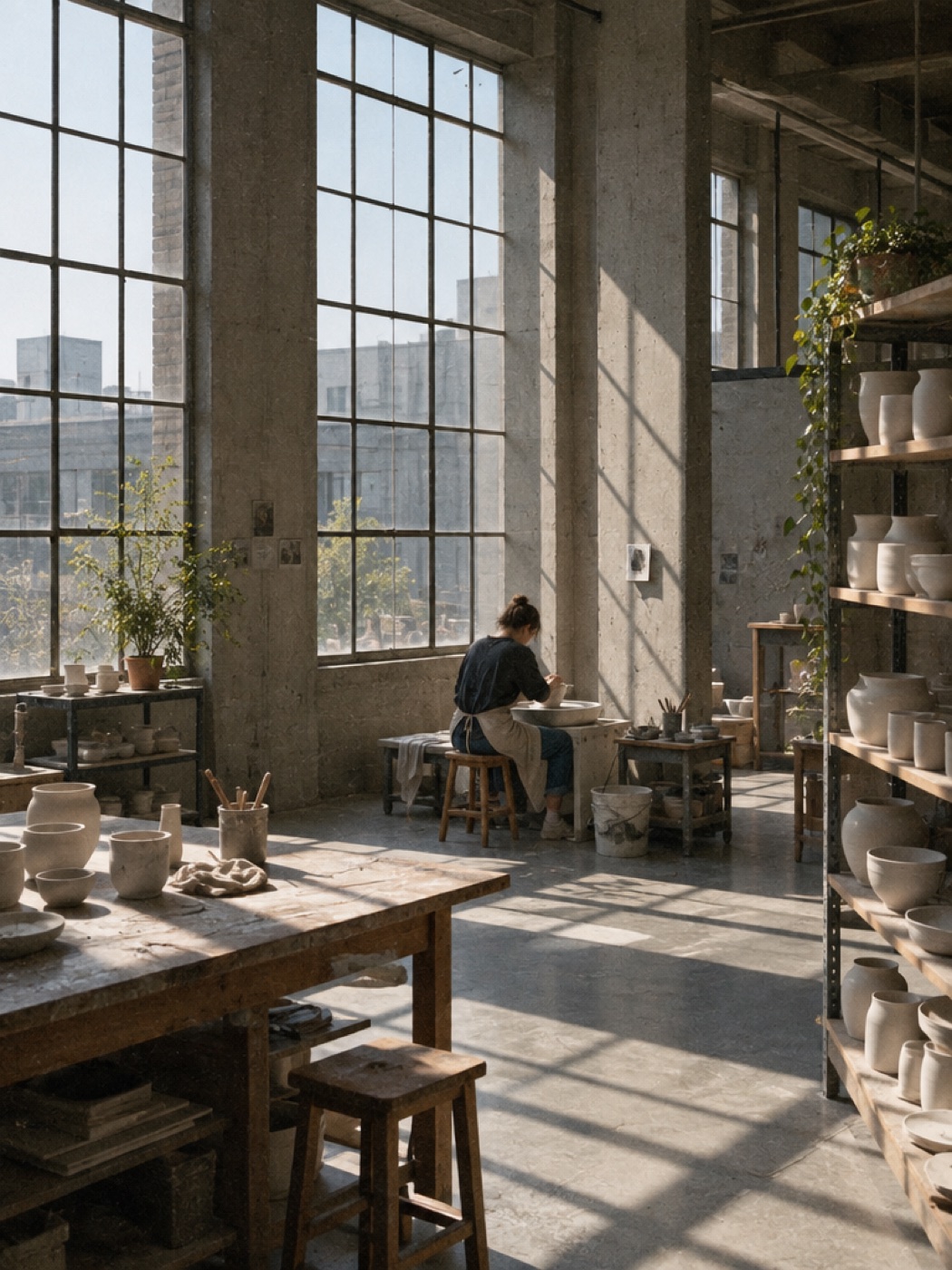
Pl. 04–09 Home, Career, Travel, Health, Love, Calm. Four kept.
How it works
Step 1
Look through your areas
Visualize it fills each part of your life with real photos. Add more any time from the canvas.
Step 2
Tap ♥ on the ones you love
Each one joins “♥ Your inspiration.” Tap again to let it go.
Step 3
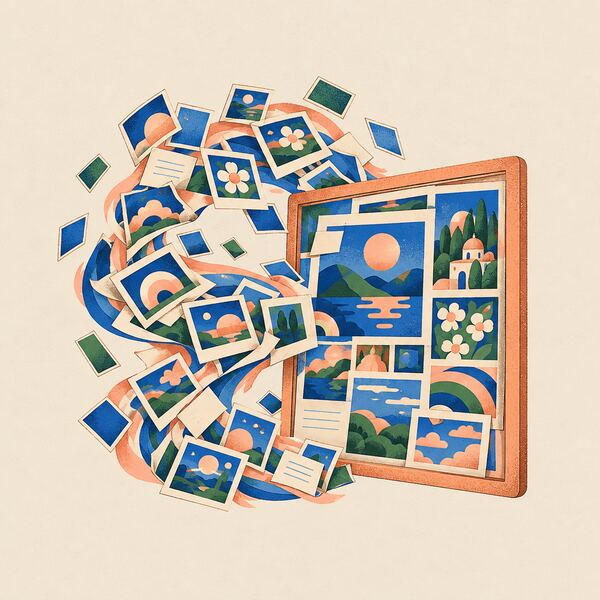
Make it one board
When the panel looks right, hit ✦ Make vision board and it becomes one finished board. That part is Pro.
Be picky. It’s your year.
The best photo isn’t the most impressive one. Keep the ones you’d be happy to see every morning and let the rest go. Everything you heart stays together in one place.
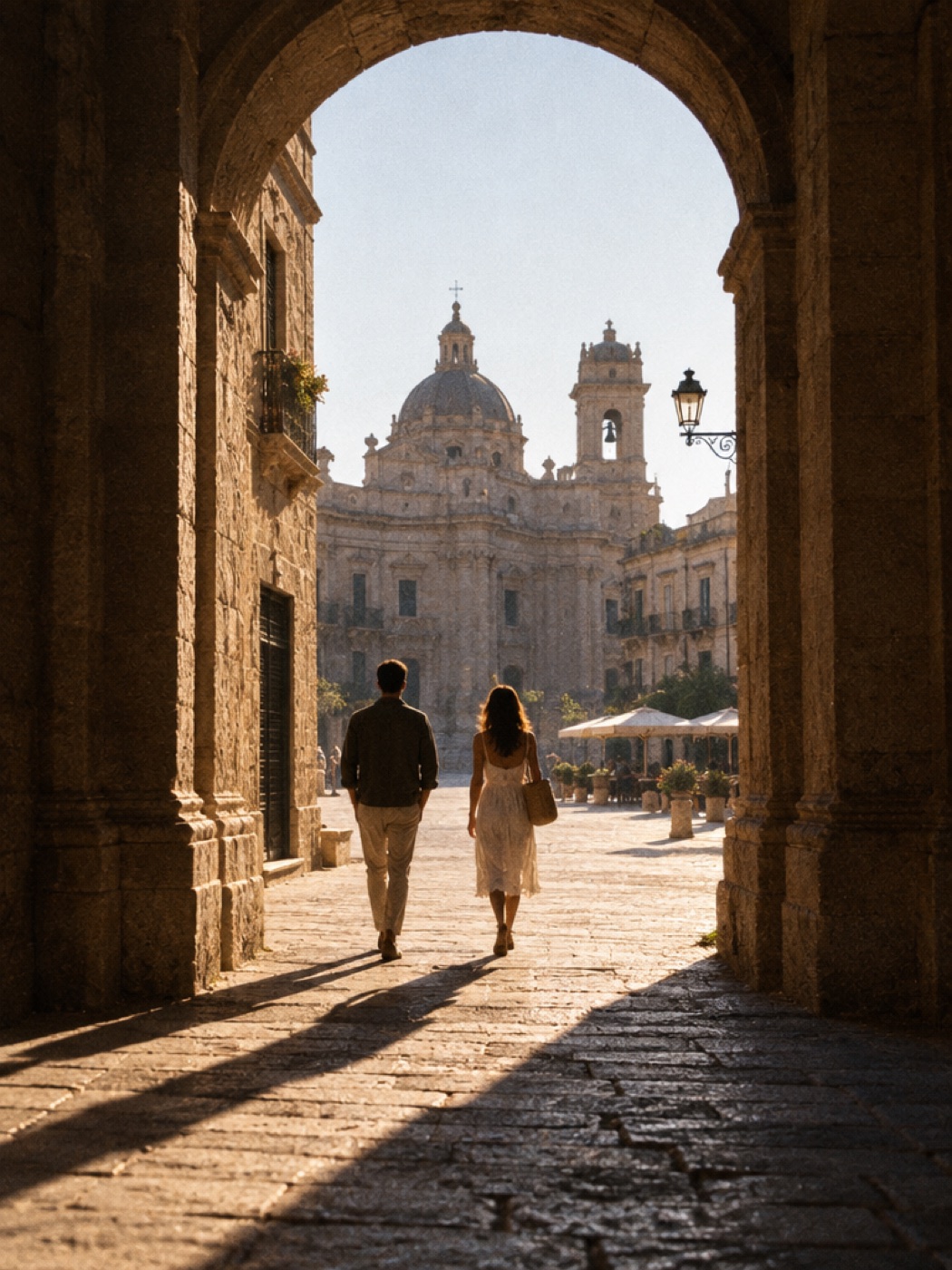
Pl. 06 Travel
Pl. 08 Love
Pl. 09 Calm
Questions about loving photos
What happens when I heart a photo?
It joins “♥ Your inspiration,” a panel on the right of your canvas. Tap the heart again to let it go.
What are the photos I love used for?
They’re your shortlist. When you make an AI vision board, it’s built from the photos in “♥ Your inspiration.”
Is it free to love photos?
Yes. Hearting and collecting photos is free. Turning them into one finished AI vision board is part of Pro.