Refine and Imagine: Change it with words. Imagine what’s missing.
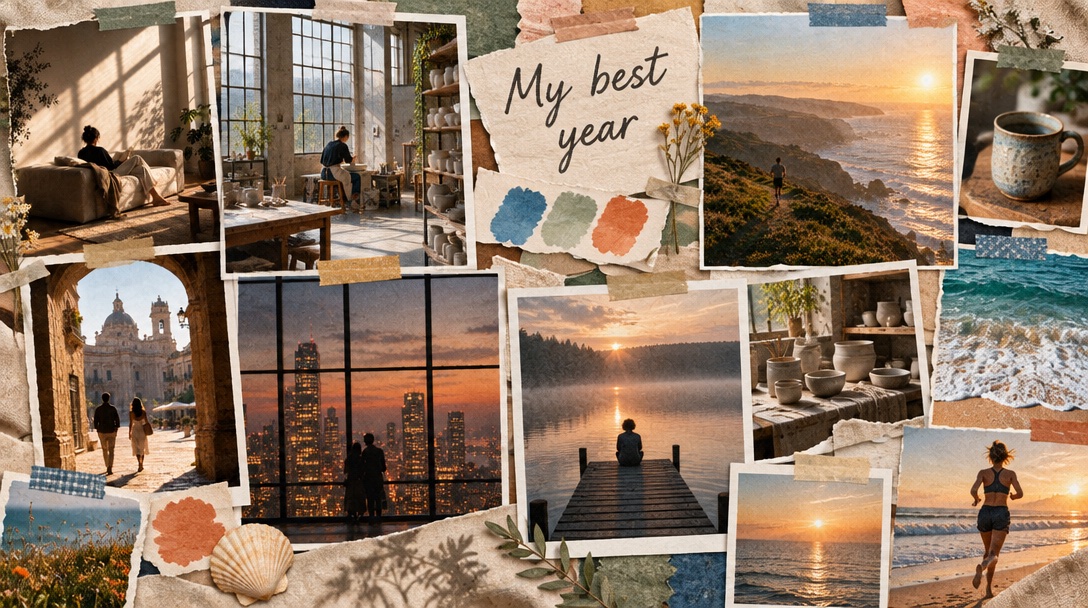
Type “warmer, golden light” and a new version lands beside the original, so you keep whichever feels more like you. Can’t find the right photo? Describe it to ✦ Imagine and AI makes that one image for your board.
Start free✦ Pro. Planning and collecting are free.
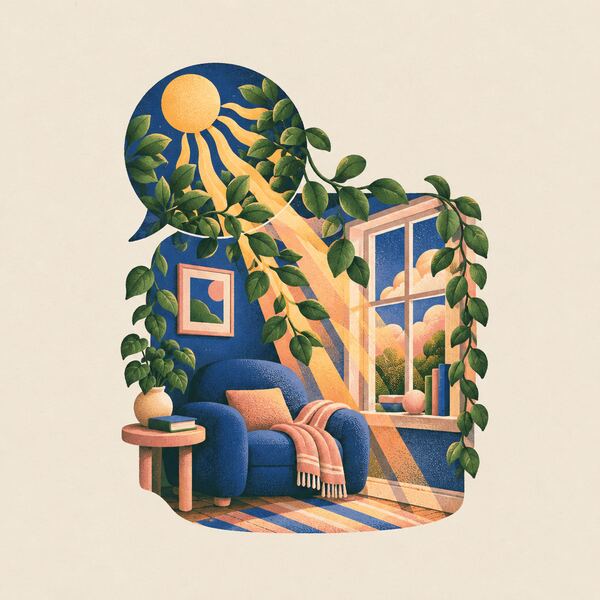
Pl. 10a OriginalPl. 10bwarmer, golden light
How it works
Step 1
Say what to change
Type it the way you’d say it: “warmer, golden light,” “more plants,” “calmer colors.”
Step 2
Keep the one you like
The new version lands beside the original. Nothing is replaced, so you choose.
Step 3
Imagine the missing photo
Describe it to ✦ Imagine, and AI makes that one image. It joins your inspiration, ready for your next board.
Can’t find the photo? Imagine it.
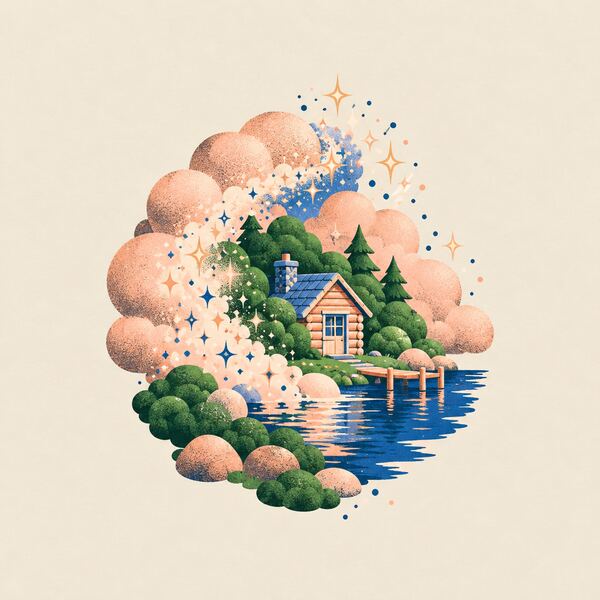
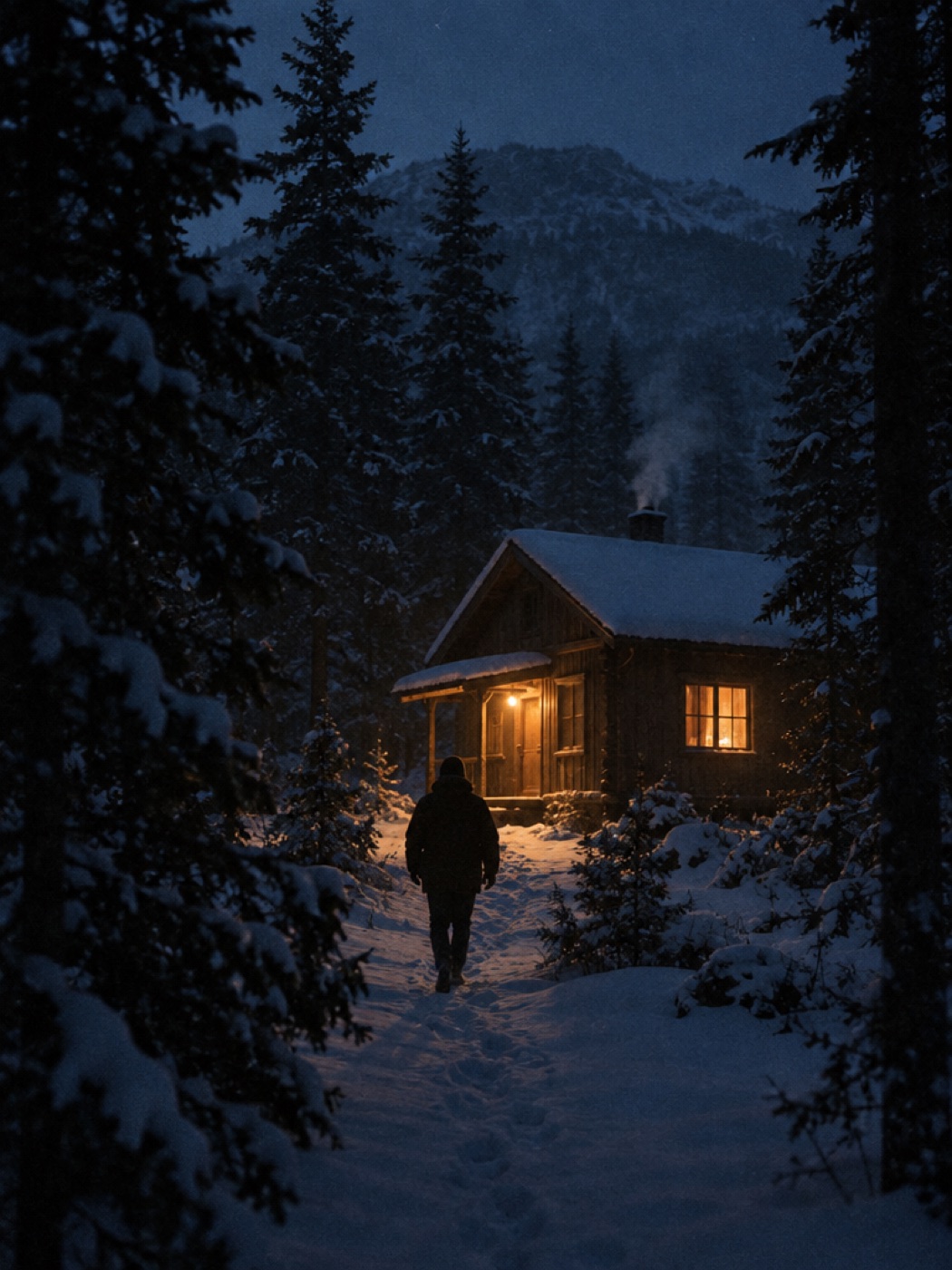
Some pictures don’t exist yet. A tiny cabin in snowy pines. A desk with your book’s first copy on it. Describe it in a sentence and Imagine makes that one image, in about 20 seconds.
✦ Imagine
Can’t find the photo? Imagine it.
A tiny cabin in snowy pines
A sunlit reading nookA desk with my book’s first copy
About 20 seconds✦ Imagine it
Pl. 11 A tiny cabin in snowy pines. ♥ Added to your inspiration.
Questions about Refine and Imagine
How do I change my vision board with words?
Type the change the way you’d say it, like “warmer, golden light” or “more plants.” A new version lands beside the original.
Does Refine replace my original board?
No. The new version sits beside the original, so you keep whichever feels more like you.
What if I can’t find the right photo?
Describe it to Imagine and AI makes that one image, in about 20 seconds. It joins your inspiration, ready for your next board.
Is Refine and Imagine free?
No. Refine and Imagine is part of Pro. Each AI image uses a credit. Pro comes with credits, and you can add more whenever you need them.